Introduction
My SEB Patch is a patch to bypass Safe Exam Browser restrictions. Created by a student for the students.
This documentation is too difficult to read? Watch my YouTube tutorials!
The story
This project is born when my school decided to implement Safe Exam Browser with their Moodle instance. Safe Exam Browser limits user's freedom by blocking access to everything that is not its processes. So, this project came to the rescue. It took me almost one week to scan the whole SEB project and disable its protections, then I had to write a program to easly replace the original files with patched ones. I designed a very simple GUI and wrote the code behind it in the simplest and dumbest way I could (I was full of tests in that week).
Understanding the Safe Exam Browser Patch
This is a Patch to remove ALL the restrictions of Safe Exam Browser. It ships with Kiosk Mode completely off as well as almost no restrictions. To apply this patch you need administrator privileges in the target machine. Note that this patch is done for demo purpouses only. Chating in exams is forbidden and may lead to severe consequencies, you are responsible for what you do.
- The patch consists of modified and recompiled Safe Exam Browser files to remove restrictions
- When you hit patch on the patcher, it creates a backup copy of the original SEB files (if told to) and overwrites then the original files with patched ones
- This project is legal as it follows the MPL 2.0 license which is the license SEB is released with
Patcher UI
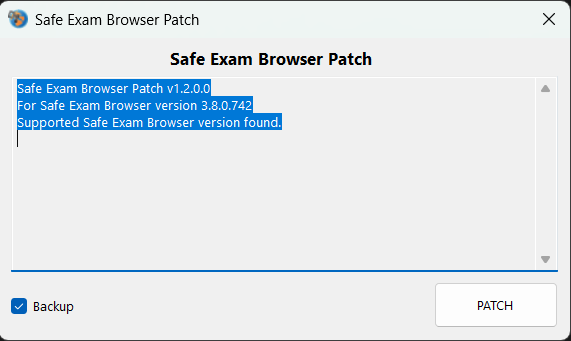
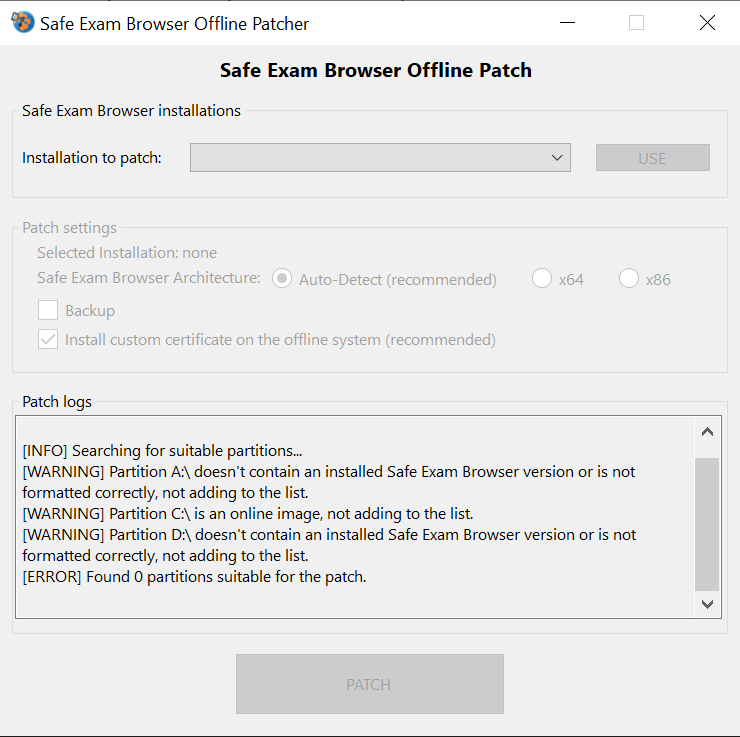
The UI is very simple and easy to understand:
- The text box writes the action the patch does and eventual errors
- The backup checkbox allows to backup original files before overwriting them with patched versions
- The Patch buttons starts the Patch process
While the SEB Offline Patcher is a bit more complicated, it will be explained in the installation chapters.
Patched Safe Exam Browser UI
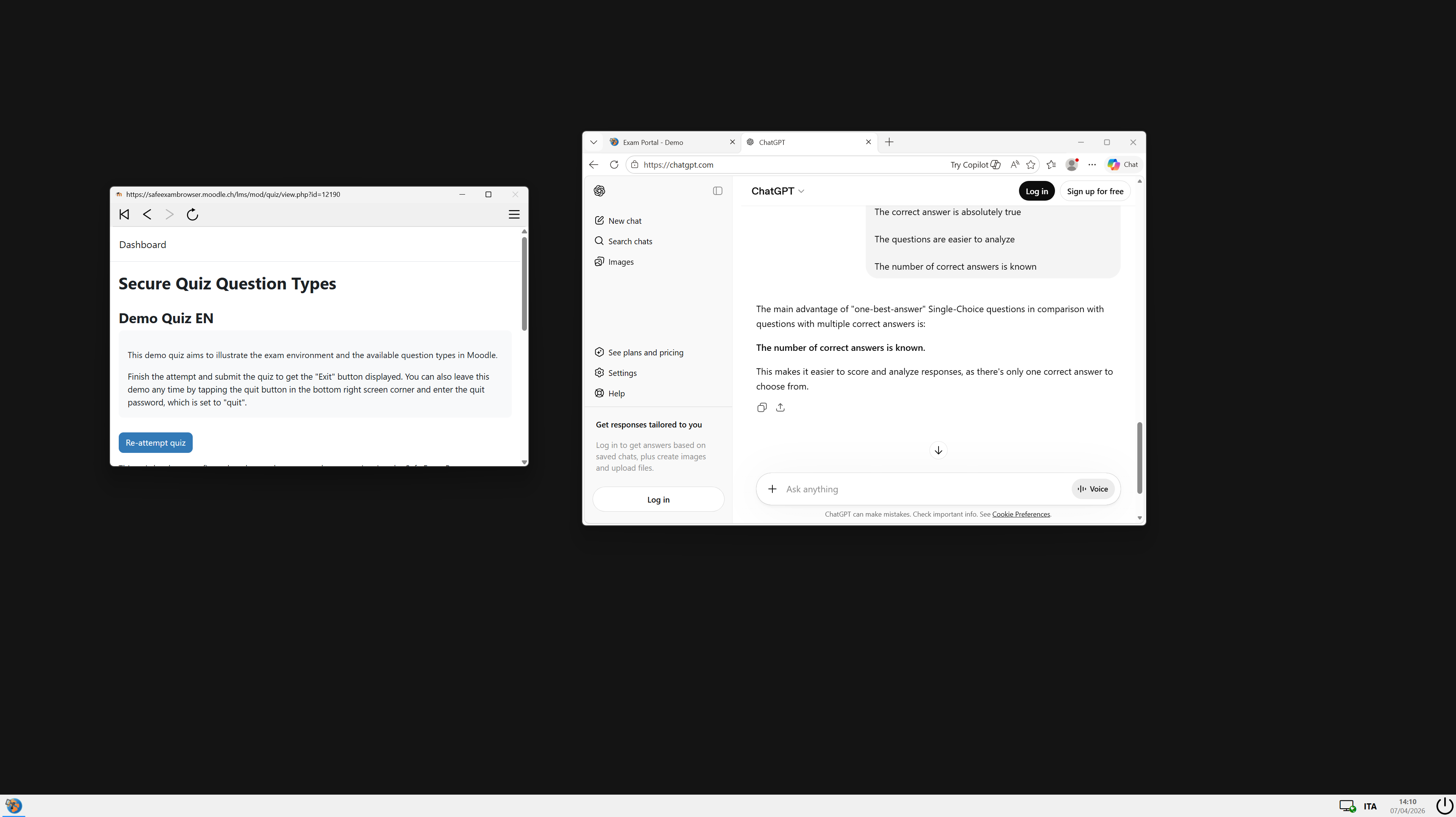
The UI is almost the same as the original SEB but with:
- Obviously no virtual desktop and no Kiosk mode
- The home button
- Back and foward buttons
- Reload button
Address bar(removed on latest updates as a popular request)- Zoom function
- Find feature
- DevTools
- Shortcuts enabled (CTRL+C, CTRL+V, etc)
- Clipboard enabled
- Taskbar
- Browser Exam Key emulation